
Choose a clear photo.
Use these examples to check framing, visibility and the file before you start.
Choose photo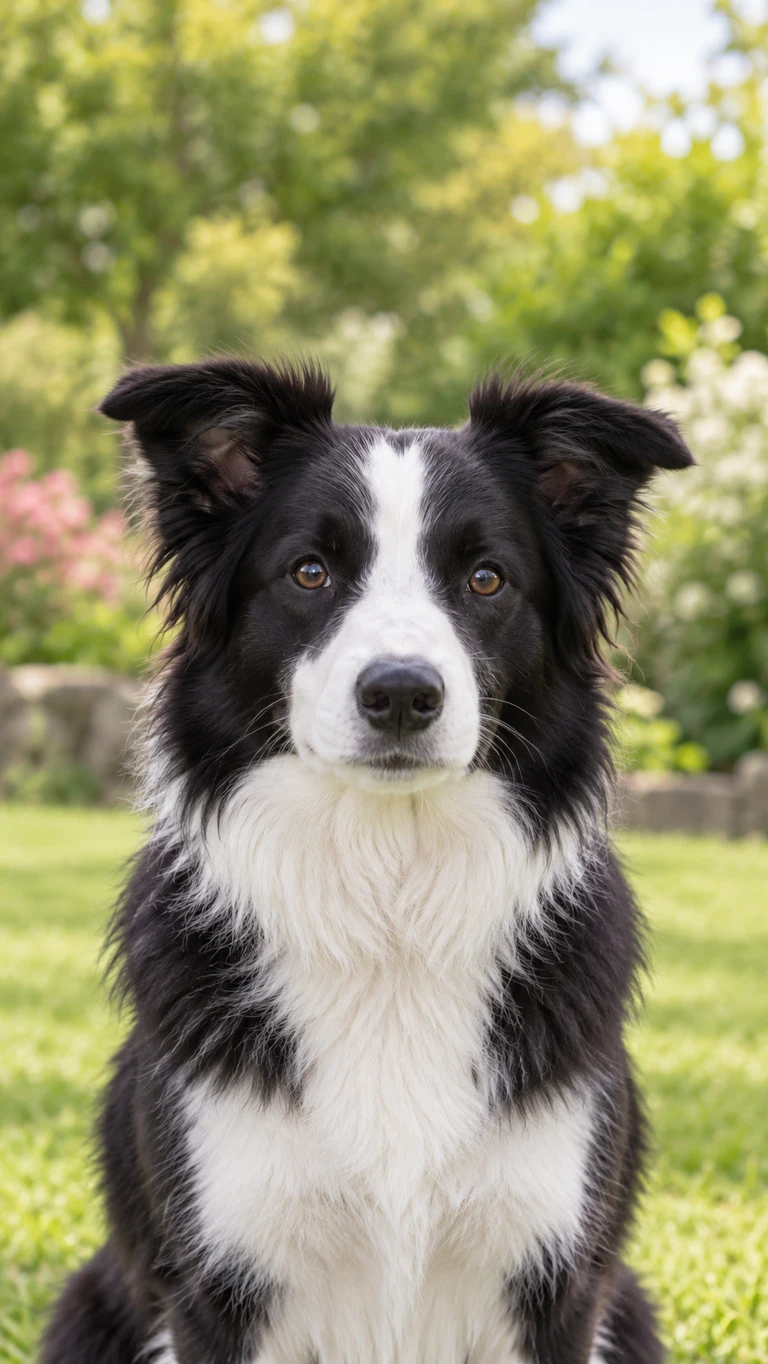
What to look for
- One adult or one animal
- Keep a single subject in the photo. Leave group photos out.
- A visible face
- Face the camera with both eyes visible. Avoid sunglasses, hands or objects covering the face.
- Room around the head
- Keep the full head and ears inside the frame, with some space around them. Avoid a tight face crop.
- Permission to use it
- Use photos you own or have permission to use. Anyone pictured must be a consenting adult.
Keep the full head in view.

Check the file.
Use JPG, PNG or WebP, up to 10 MB. If your phone saves HEIC, export a JPG first.
Image dimensions
Each side must be between 240 and 8,000 pixels. The width-to-height ratio must be between 1:8 and 8:1.