

Choose your photo
Choose one clear photo of a consenting adult or an animal. It appears as a preview in this browser. Use the Photo guide to check framing and file requirements.
With site storage allowed, this browser keeps your preview after a closed tab or Google sign-in.
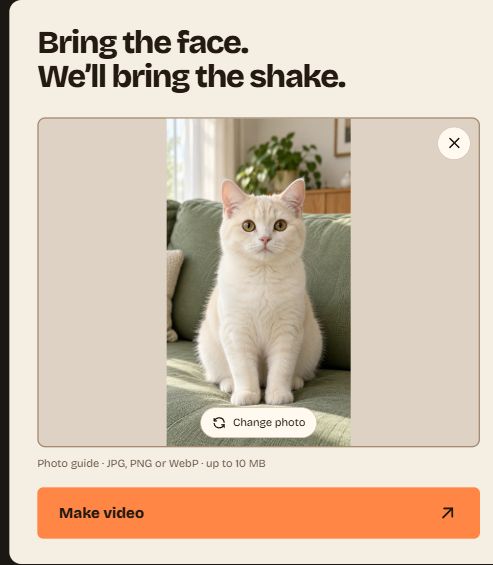
Open Make video
Select Make video after previewing your photo. The payment dialog opens; you can close it without starting a generation.
Review quality and total
Choose 720P at $9.99 USD or 1080P at $14.99 USD for one video. Review the total and confirm photo permission in the Make video dialog.
If purchasing is unavailable, the payment button stays disabled.
Sign in and pay
Sign in with Google if prompted. Back in the payment dialog, select Pay to upload privately and open Stripe Checkout. Complete payment there.
Follow your order
Generation runs in the background after payment is confirmed. Allow about 10 minutes; it can take longer.
Open My videos to follow your order. You can close the browser and return with the same Google account.
Download your video
When ready, download your MP4 of about 10 seconds from My videos, in the quality chosen at checkout. Choose the silent version or the one with the original clip’s audio.
The sound and download guide explains which file to choose.
After an eligible failure, an extra attempt may become available. Use Retry in My videos at no extra charge when it appears.